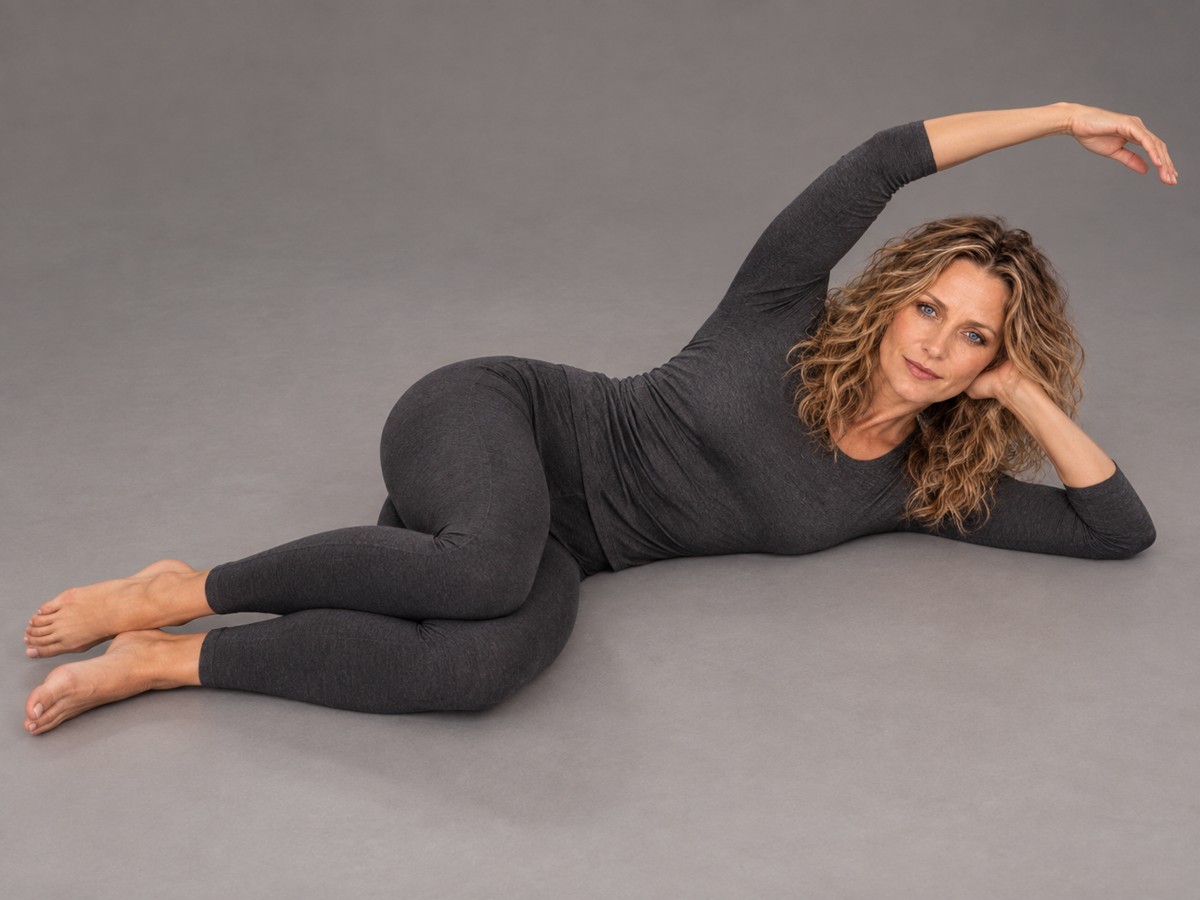
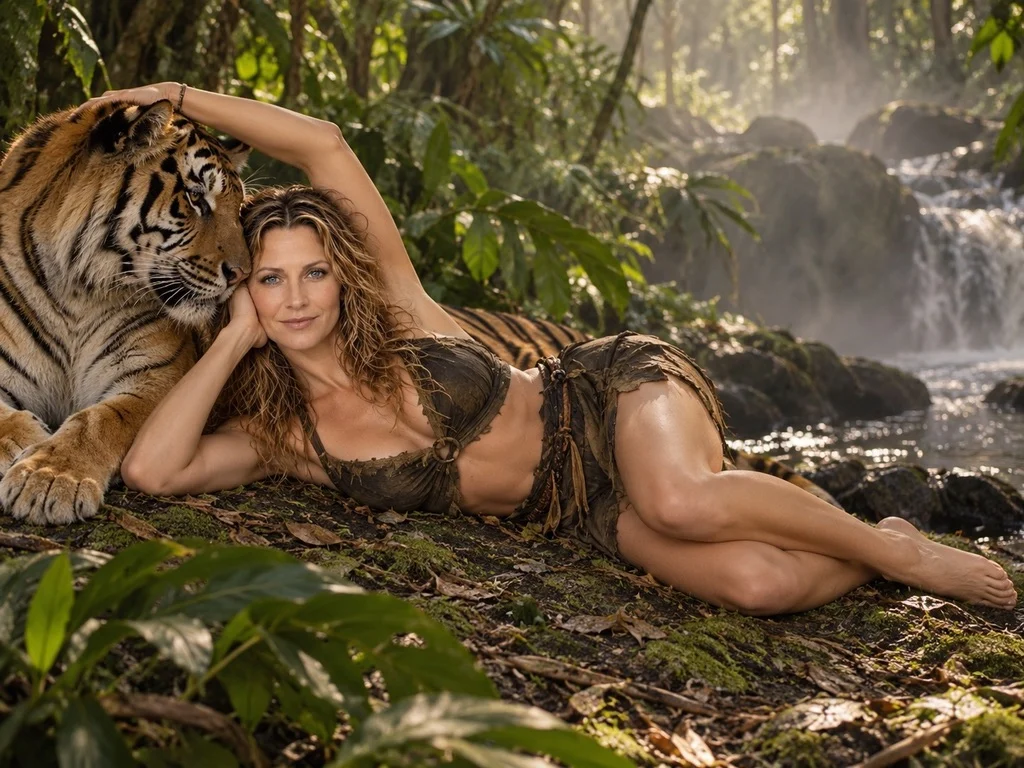
Choose visual examples, customize your scene, and build a prompt for your preferred AI image tool.
Create and copy in Beginner for free. Sign in for Advanced controls.
Your imagination is the beginning. Find a direction together, or go straight to the choices you already love.
Your existing builder choices stay with you.
You do not need a finished prompt. Start with one of our examples, or describe your own idea.
Your words can be included exactly in your prompt. You will review and choose whether to include them before applying.
Describe what matters. Leave anything you would rather choose in the builder blank.
Choose framing and other details in the builder. Scenery only keeps your person choices saved but excludes them from the scene.
Each checked detail replaces that builder section's current choice. Unchecked sections stay as they are. Direct edits to your final prompt are preserved and may need review in the builder.
Your advanced choices remain in this prompt.
Tap an image to use its wording. Many poses are untested; reviewed examples show individual results, not guaranteed matches.
Natural standing, sitting and everyday actions.
Change any choice you like. Your prompt updates automatically.
Paste this prompt into an AI image tool (such as Gemini or ChatGPT).
Choose your examples and copy your complete Beginner prompt for free. Sign in for Advanced controls.
Checking sign-in…
Your prompt is ready to copy.
A starting pose. Your own world.
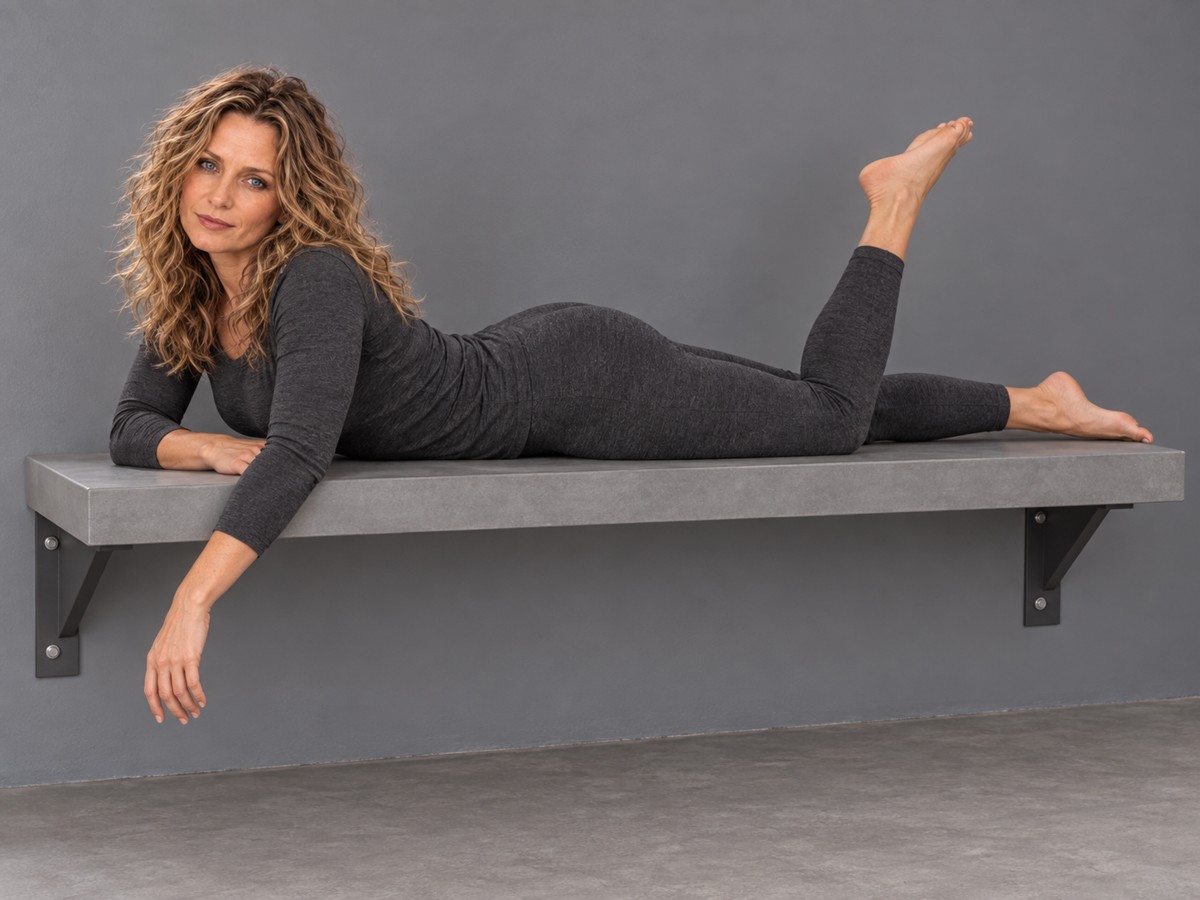
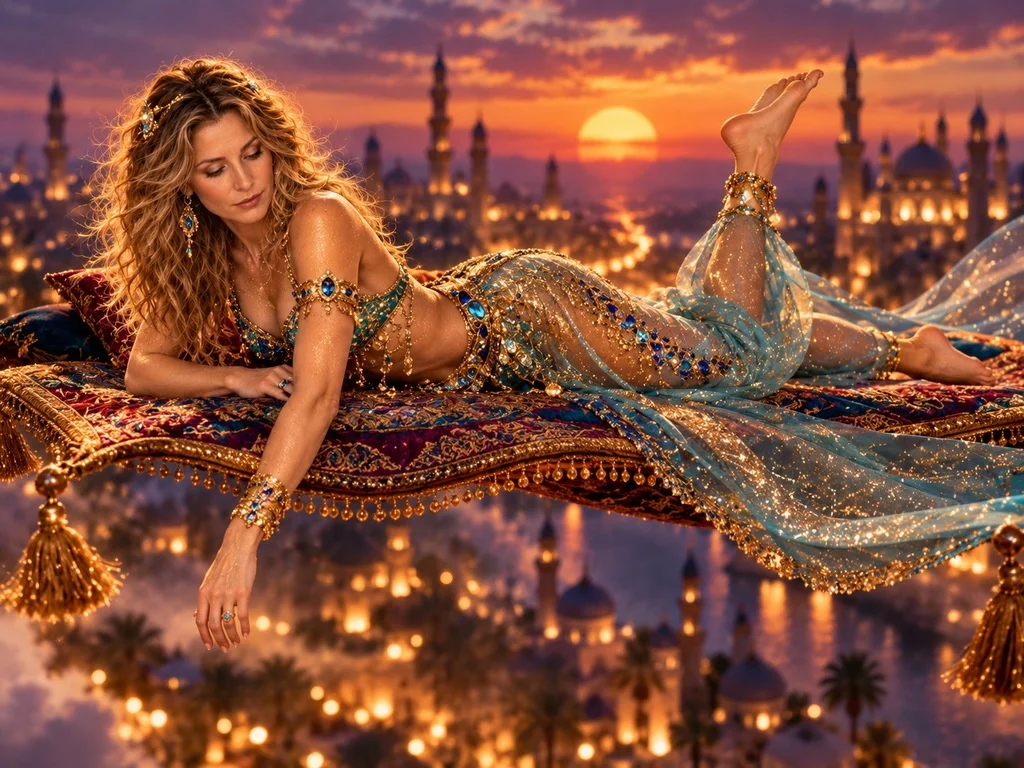
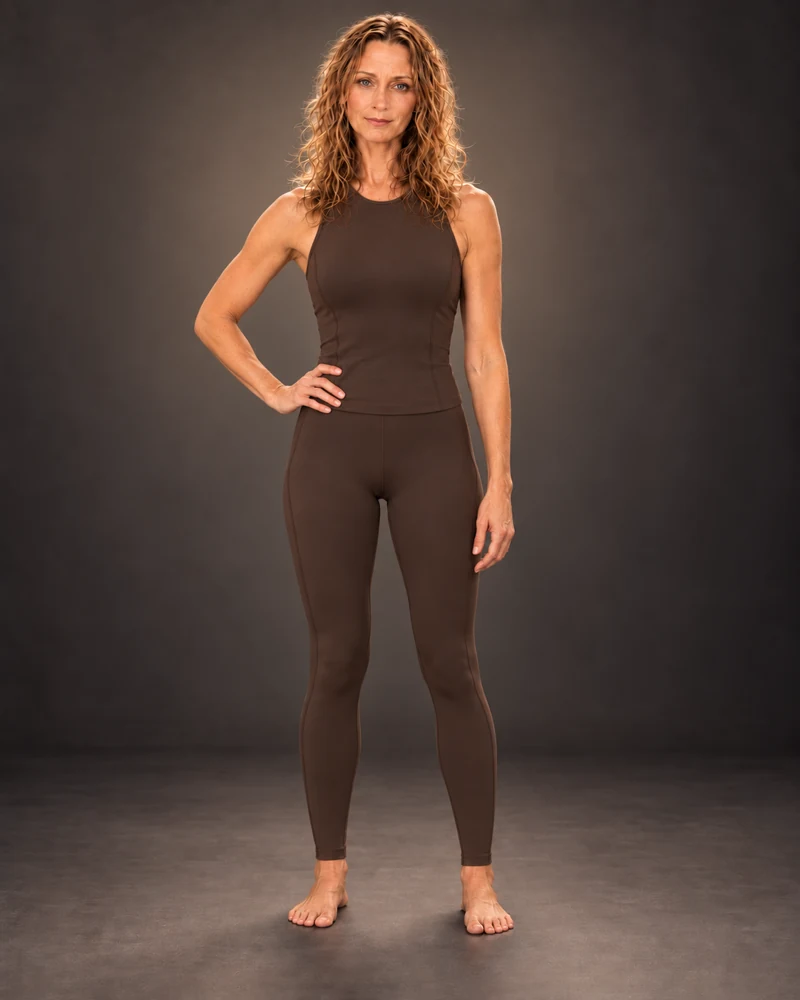
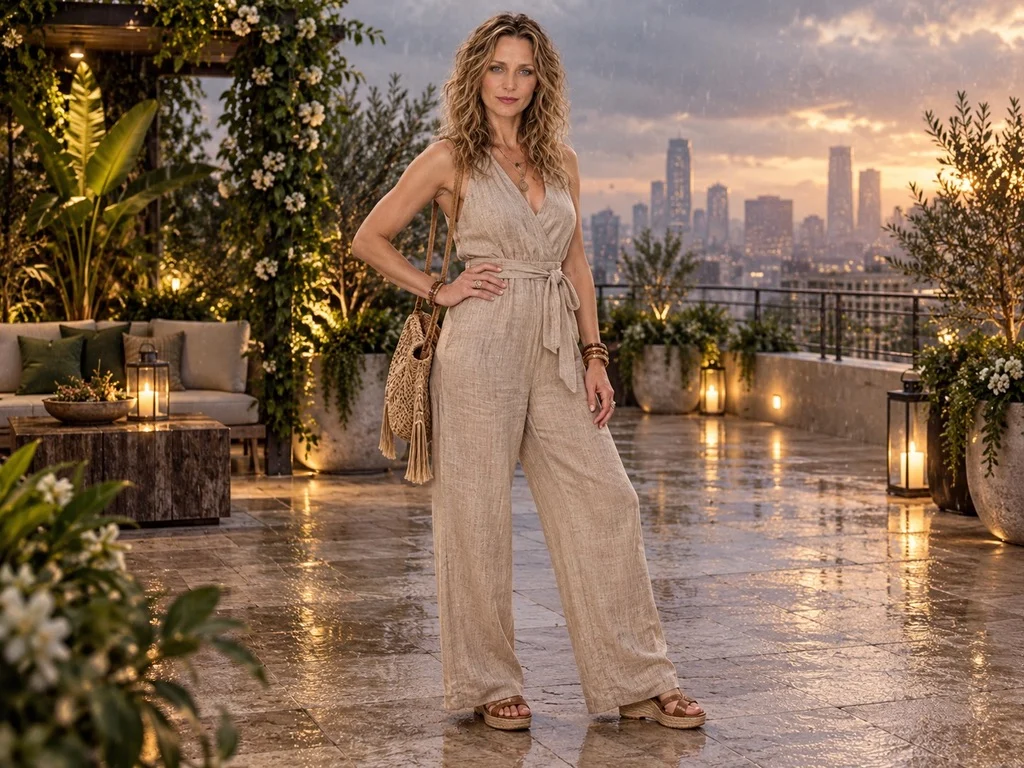
Explore Meli’s artwork and prompts in the Creative Hub. AI model news and saved prompts are coming later.